

- Open Usercentrics
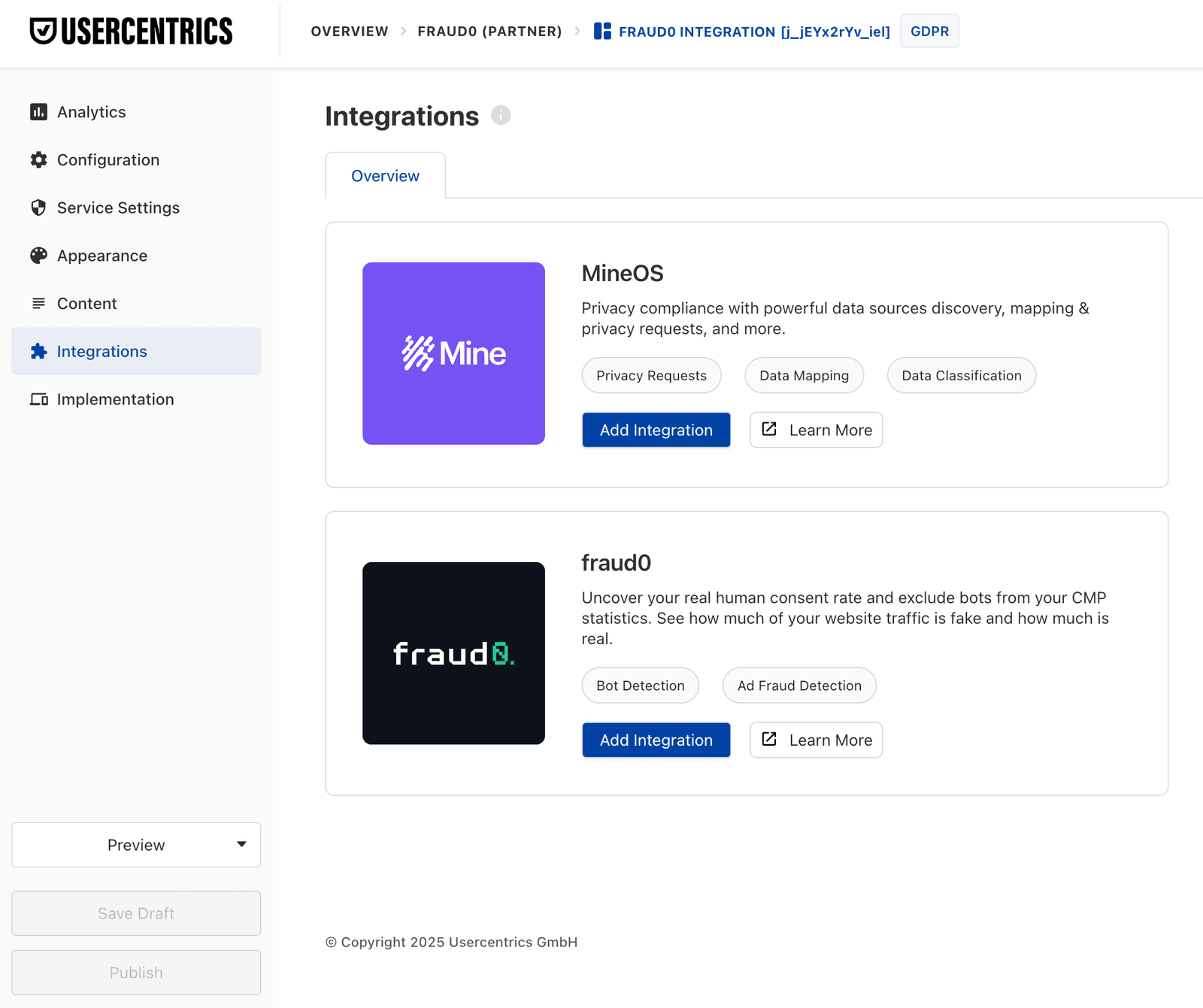
- Click on “Integrations”
- Look for the fraud0 integration
- Click on “Add Integration”
fraud0 is available as an integration through Usercentrics. If you are a Usercentrics customer, you can activate fraud0 directly from the Usercentrics integrations panel.
Add fraud0 Integration:
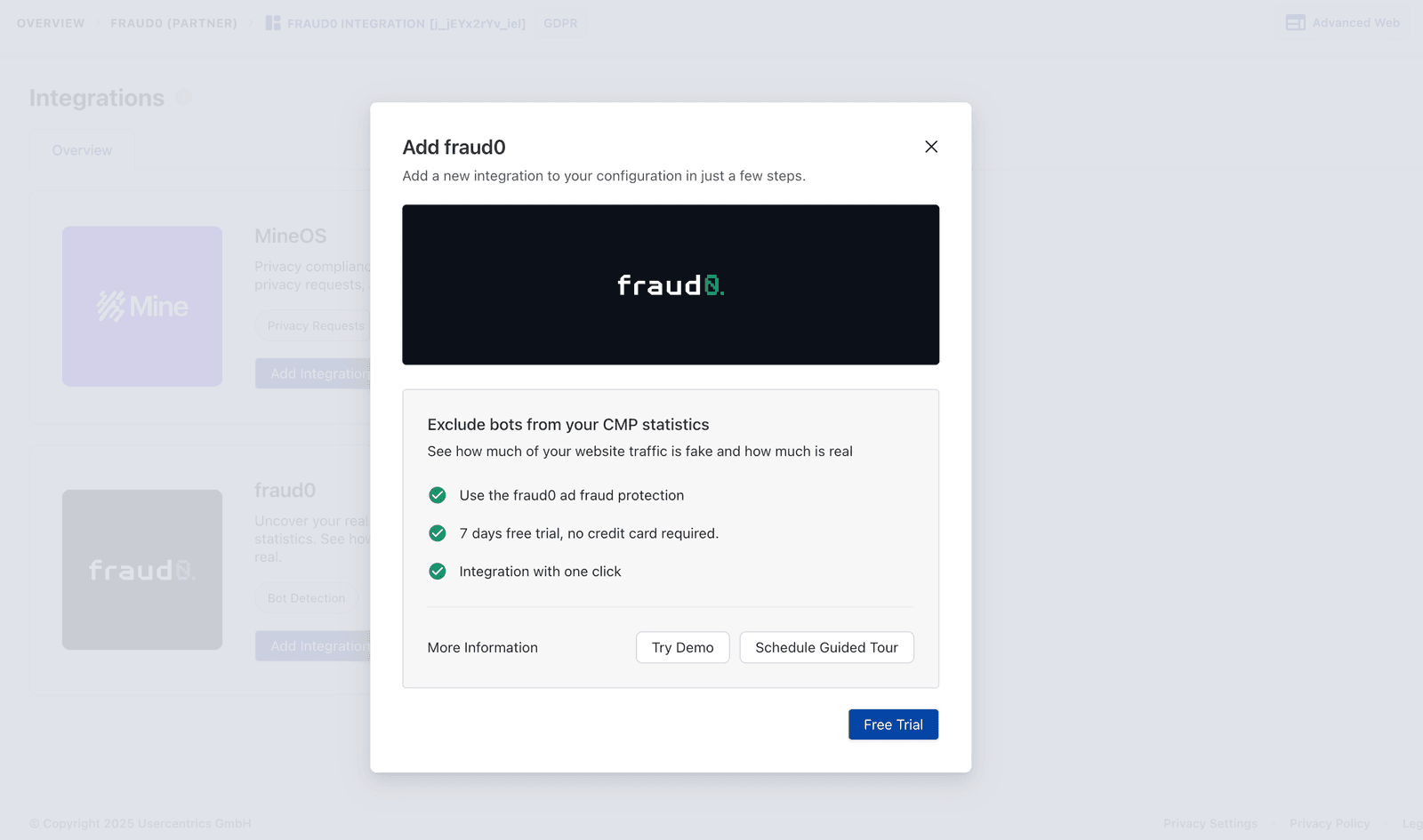
Click “Free Trial”
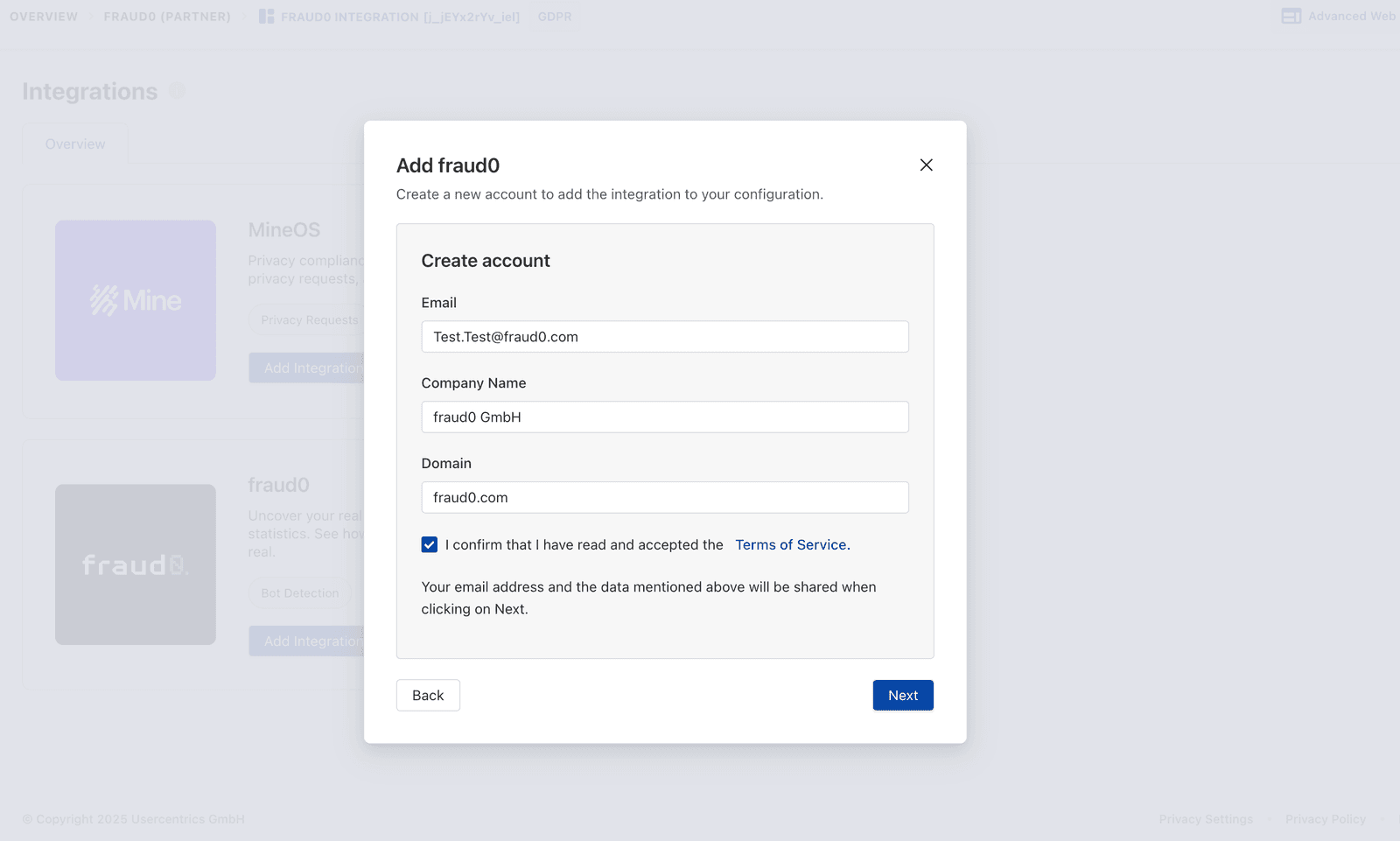
Create a new fraud0 account
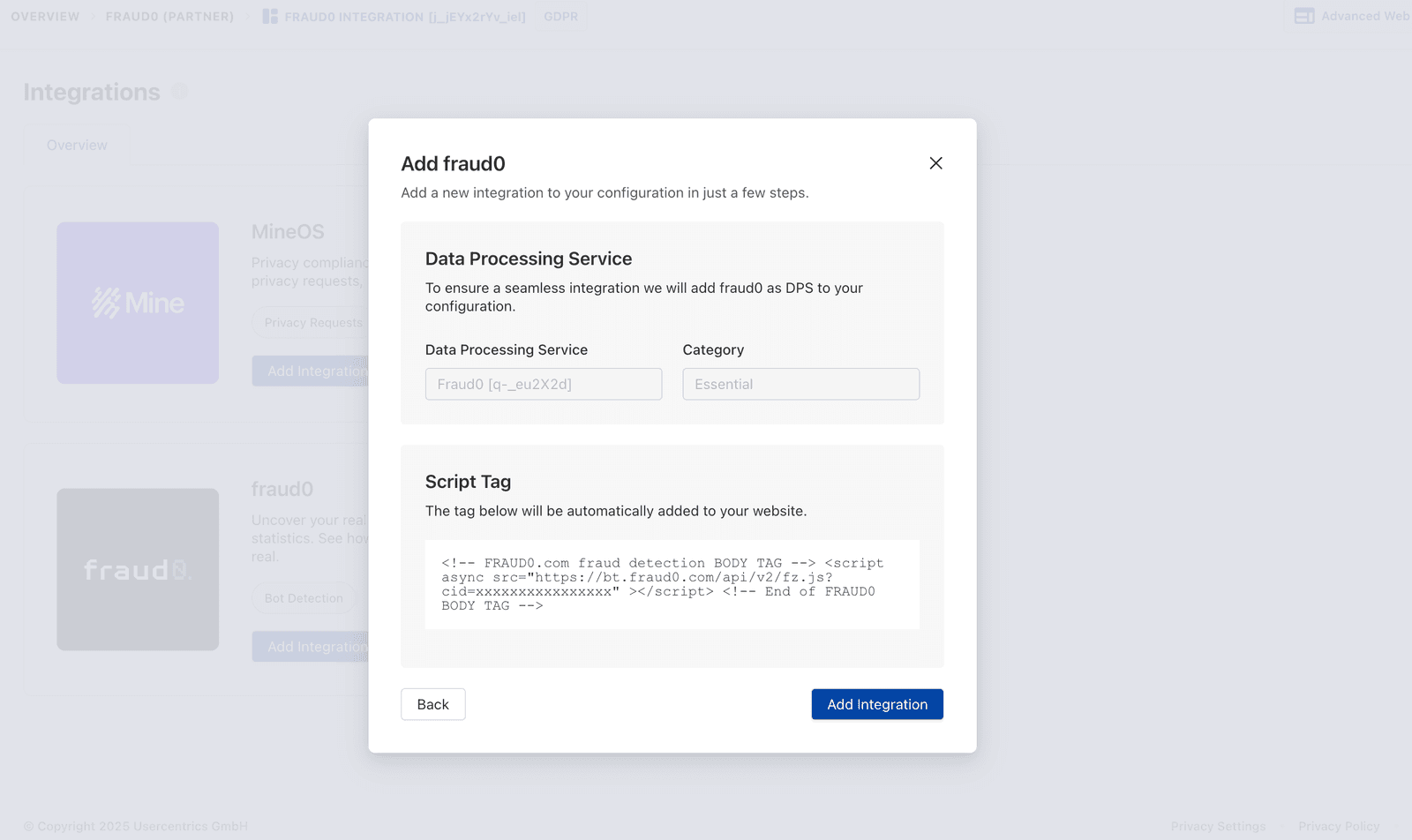
Click “Add Integration”
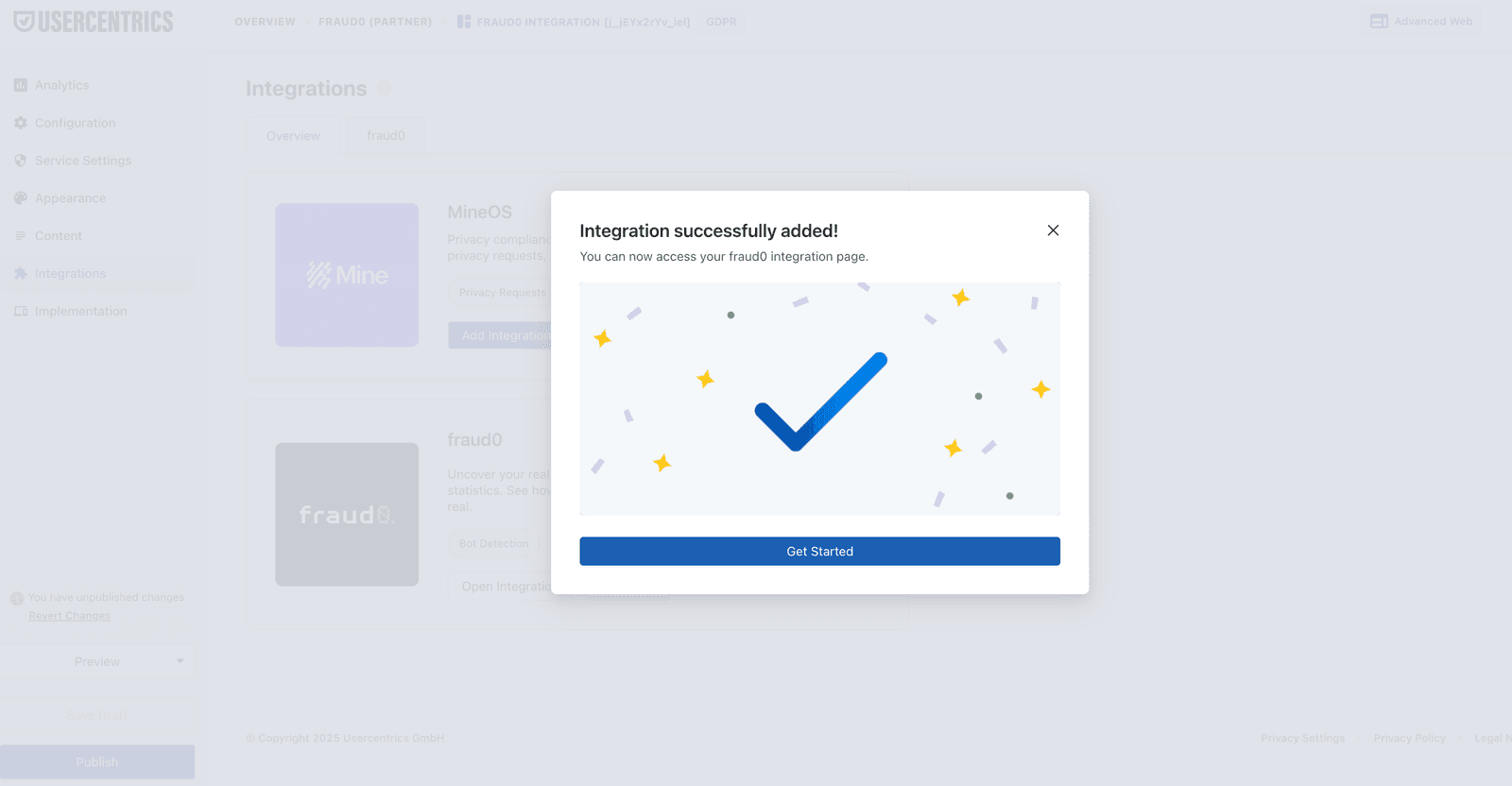
Click “Publish”
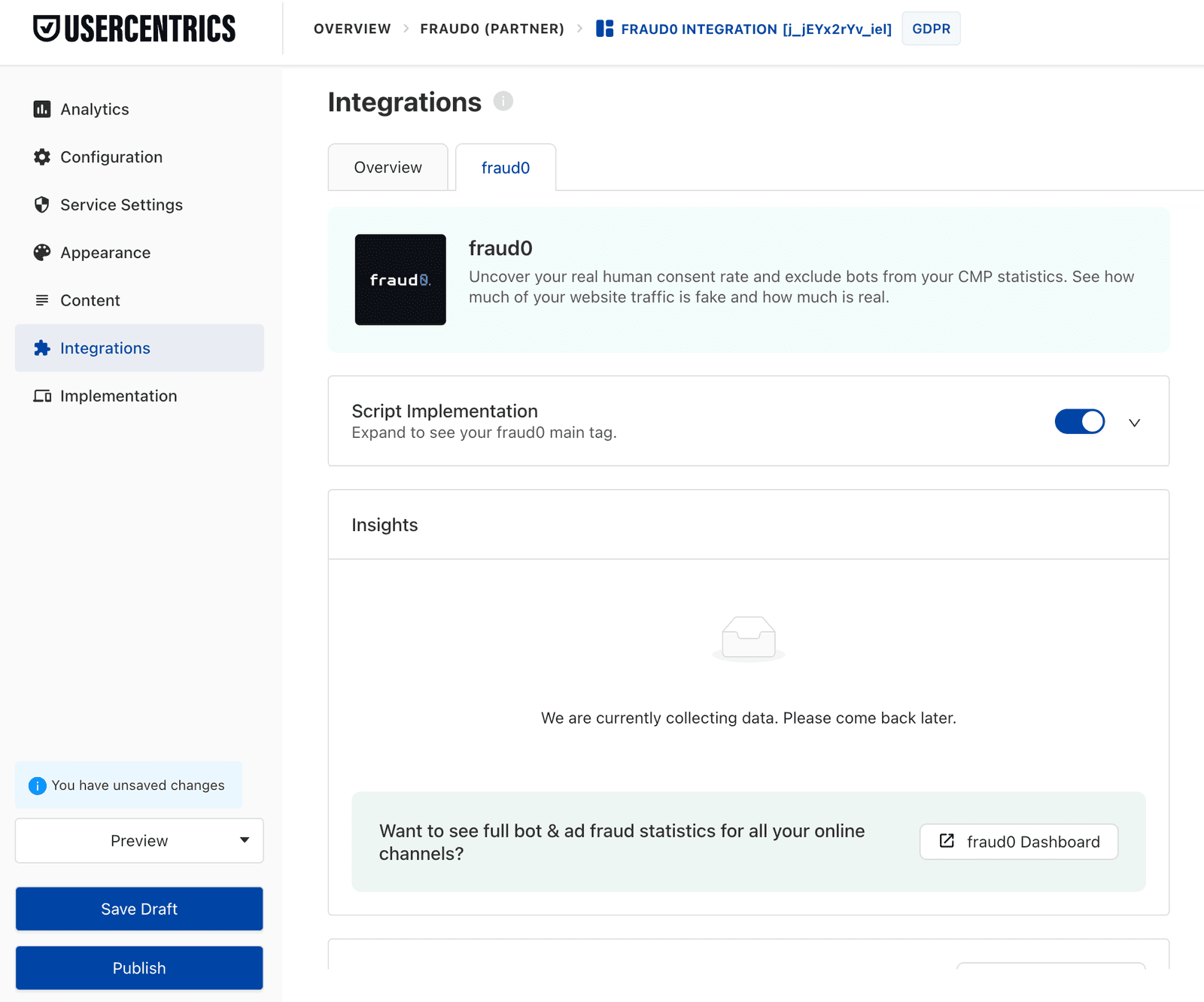
Once published, fraud0 is active on your site. You can access the fraud0 dashboard to view your traffic analysis.