To view and update your payment method, simply follow the steps below:
Login to your fraud0 Dashboard.
Navigate to “Settings” in the left panel and open the “Invoices” tab.
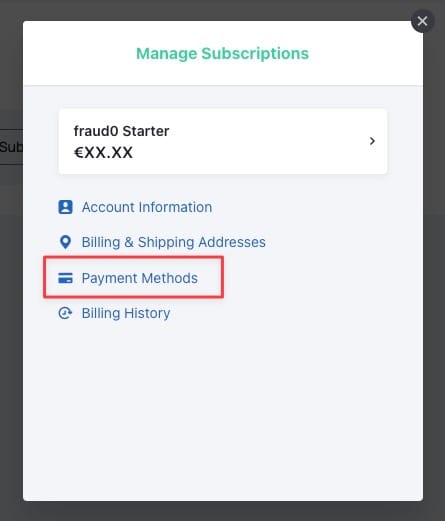
Click “Open Billing Portal”. This opens the secure Chargebee billing portal.
Open “Payment Methods”.
Now you can view and update your payment method.